

Custom Web Services: The Smart Way to Scale Your Business...
Read MoreWeb Application Testing: Ensuring Quality, Security, and Performance in Modern Web Apps
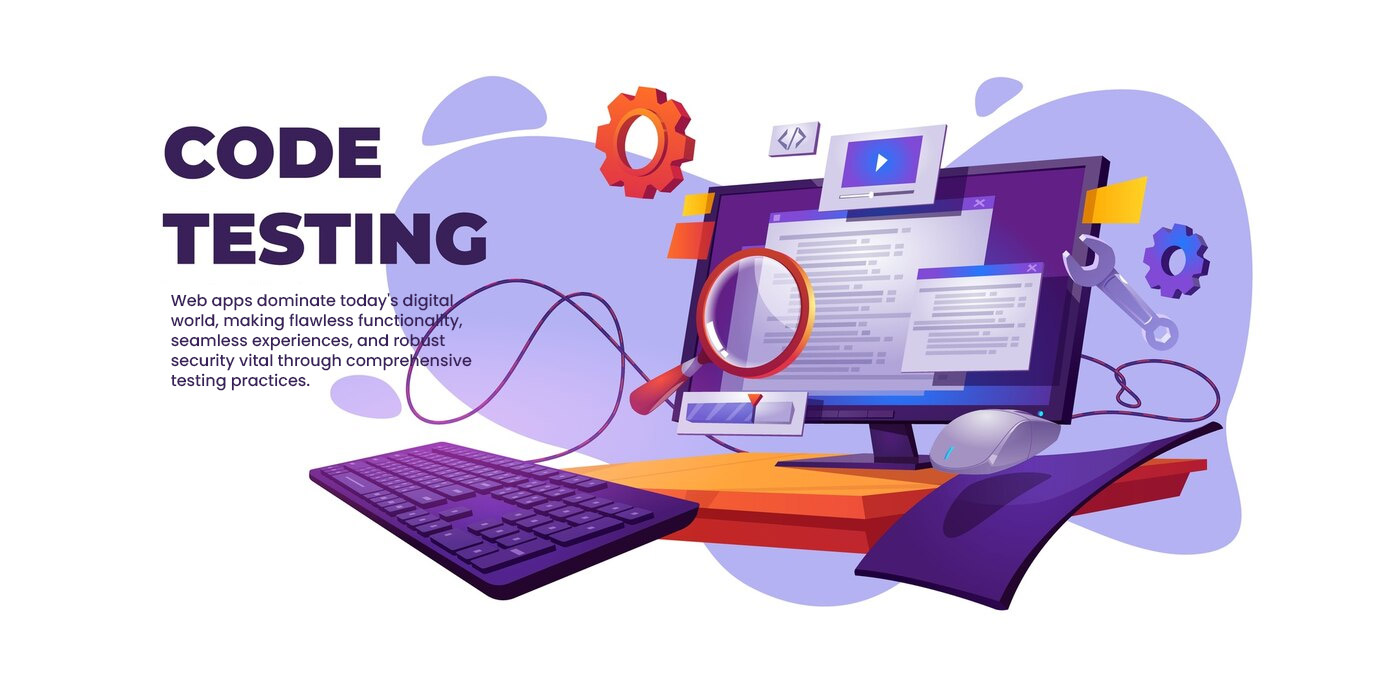
In today’s digital landscape, web applications are everywhere, from social media and e-commerce sites to productivity tools and enterprise platforms. With users expecting flawless functionality, seamless experience, and robust security, web application testing has become a critical phase in the software development life cycle. In this blog, we’ll explore the key aspects of web application testing, covering various testing types, essential tools, and best practices.
1. What is Web Application Testing?
Web application testing is the process of evaluating and validating a web application to ensure it meets specified requirements and functions correctly across different browsers, devices, and operating systems. This type of testing encompasses several aspects:
- Functionality – ensuring the app does what it’s designed to do.
- Usability – making sure it’s easy to use and intuitive.
- Performance – testing how the application handles traffic and responds to user actions.
- Security – identifying vulnerabilities and securing sensitive data.
2. Key Types of Web Application Testing
To achieve comprehensive coverage, web application testing typically includes several types:
Functional Testing
Functional testing ensures that every feature and functionality of the application works as intended. This involves testing user interactions, form submissions, workflows, and integrations with external services. Functional testing can be manual or automated using tools like Selenium, TestComplete, or Katalon Studio.Usability Testing
Usability testing focuses on the user experience by assessing how easy it is to navigate and interact with the application. This type of testing involves real users and assesses aspects like navigation, readability, and the intuitiveness of the UI.Performance Testing
Performance testing measures the speed, responsiveness, and stability of the application under different conditions. It includes:- Load Testing – to check how the application behaves under normal user load.
- Stress Testing – to determine the app’s breaking point when subjected to extreme load.
- Scalability Testing – to see how the application scales with increased users and data.
Tools like JMeter, LoadRunner, and Apache Bench are popular for performance testing.
Security Testing
Security testing is essential to identify vulnerabilities and ensure data protection. This testing includes penetration testing, vulnerability scanning, and ethical hacking to spot weak points that could lead to data breaches, unauthorized access, or other security issues. OWASP ZAP and Burp Suite are commonly used tools for this type.Cross-Browser and Cross-Device Testing
Web applications need to be compatible with multiple browsers (e.g., Chrome, Firefox, Safari) and devices (e.g., desktops, tablets, smartphones). Cross-browser and cross-device testing ensures the application functions as expected across all platforms. BrowserStack and LambdaTest are widely used tools for this testing.Compatibility Testing
Compatibility testing ensures the application works consistently across different versions of browsers, operating systems, and devices. This includes testing for backward compatibility with older versions and forward compatibility with upcoming versions.Regression Testing
Regression testing checks whether new code changes or updates introduce any bugs into existing features. Automated regression tests can help maintain stability as the application evolves. Testing frameworks like Selenium and TestNG are often used for this purpose.
3. Essential Tools for Web Application Testing

With numerous testing tools available, selecting the right tools for your testing requirements is key. Here are some popular options for different testing types:
- Functional Testing: Selenium, Katalon Studio, TestComplete
- Performance Testing: Apache JMeter, LoadRunner
- Security Testing: OWASP ZAP, Burp Suite
- Cross-Browser Testing: BrowserStack, LambdaTest
- Automation Frameworks: Cypress, Playwright, and Selenium WebDriver
Each of these tools offers unique features suited to various testing needs, from automation and scalability to user-friendly dashboards and detailed reporting.
4. Best Practices for Effective Web Application Testing
Following best practices can enhance the effectiveness and efficiency of your web application testing:
Start Early with Testing: Integrate testing into the early stages of development. This helps identify and address issues before they become costly and complex.
Adopt Test Automation: Automated testing can accelerate test execution, improve test accuracy, and ensure consistency in repetitive tasks. Aim to automate tests for regression, performance, and cross-browser compatibility.
Leverage CI/CD Pipelines: Integrate testing into your continuous integration and continuous delivery (CI/CD) pipelines. This allows for faster and more reliable deployment of code changes by automatically running tests on every build.
Prioritize Test Cases: Not all tests are equally important. Focus on critical functionalities, high-traffic areas, and modules with frequent changes to ensure efficient use of resources.
Use Real Devices and Browsers for Cross-Testing: While emulators are convenient, testing on real devices and browsers provides more accurate results, especially for user interface and usability testing.
Regularly Update Tests: As the application evolves, so should your test cases. Regularly review and update test scripts to reflect new features, bug fixes, and performance improvements.
5. Challenges in Web Application Testing

Testing web applications can be challenging due to factors like:
- Rapid Changes: Web applications often undergo frequent updates, requiring constant updating of test cases.
- Browser and Device Fragmentation: Ensuring compatibility across diverse devices and browsers is time-consuming but essential.
- Complex Testing Environments: Modern web apps have complex architectures, including microservices, third-party integrations, and databases, which add complexity to testing.
- Security Concerns: Keeping up with new security vulnerabilities and testing for them is crucial to protecting user data and maintaining trust.
6. Final Thoughts
Web application testing is an essential part of delivering high-quality, secure, and performant web applications. By incorporating a comprehensive testing strategy with a mix of functional, performance, security, and compatibility tests, developers can ensure their applications provide an optimal experience across devices, operating systems, and browsers. Leveraging the right tools and best practices can help you overcome the challenges of web application testing, ultimately leading to applications that not only meet but exceed user expectations.
Effective software testing doesn’t just help deliver a product; it helps deliver an experience that users can trust.
Categories
Recent Articles

Custom Web Services: The Smart
Custom Web Services: The Smart Way to Scale Your Business...
Read More
The API Revolution: Driving the
The API Revolution Driving the Future of Web Services In...
Read More
🌐 Web Services: Fueling Digital
🌐 Web Services: Fueling Digital Innovation for Modern Businesses In...
Read More